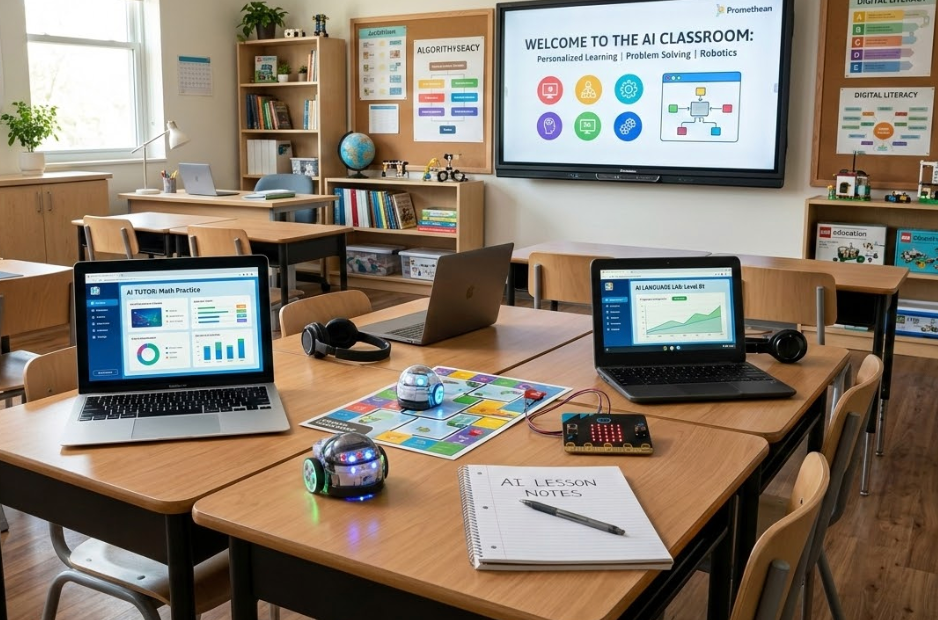
Over the past couple of years, AI has shifted from an "interesting experiment" to an everyday reality in our classrooms. It is no longer a novelty; it is a permanent part of the student workflow. Because AI is now everywhere, our role as educators has shifted from gatekeepers to guides.
In my Computer Science classes, I’ve moved from hesitant observation to intentionally integrating AI as a tool for literacy and ethics. We’ve anchored everything in one simple, sticky principle: Human → AI → Human.
The Golden Rule: All AI use should start and end with humans. Students drive the initial thinking. AI enhances or extends. Then, students review, edit, test, and take final responsibility for the result.
Below are some ways we have used AI in the classroom, what worked, and what didn't.
1. The "Black Box" Problem: Enhancing Projects
In several classes, once students met the core rubric requirements on their own, they were invited to use AI to enhance their projects. The results were a mixed bag.
Some students flourished: they experimented, extended features, and built genuinely creative applications. Others hit a wall. When AI introduced unfamiliar techniques or complex libraries, students often didn't fully understand the "black box" of code they were looking at.
The Lesson: Structure matters. We found it is vital to have students perform a "Code Audit." If you cannot explain every line of what was added, you cannot submit it. AI can help you build, but you still have to own what you build.
2. Offloading the Drudgery: Peripheral Tasks
One of the most successful uses of AI has been for peripheral work. These are tasks that support the project but aren't the primary learning objective.
For example, a student recently built the full logic for a poker hand evaluator. That was the intellectual heavy lifting and the core of the assignment. Once the algorithm worked, he used AI to generate a polished user interface (UI).
Building a UI can be incredibly time-consuming. By offloading the "UI drudgery" to AI, the student spent 90% of his brainpower on the 10% of the project that actually mattered: the complex logic. In this context, AI is a time-saver, not a thinking replacement.
3. Building AI Literacy
Sometimes, AI isn't the tool; it’s the subject. We’ve used "AI Exposure Projects" to help students understand the mechanics of the tech:
-
Multimodal Exploration: Students used image generation for use in presentation to demonstrate their programs. They learned how subtle changes in a prompt produce vastly different outputs.
-
The AI Debate: In a Cybersecurity class discussing ethical hacking, students used AI to generate arguments for both sides: whistleblower vs. traitor.
The goal wasn't to outsource the debate; it was to build AI Literacy. Students need to see where these systems are strong and, more importantly, where they confidently fail.
What Hasn’t Worked: The Predictability Gap
We experimented with custom GPTs and AI-guided project builders designed to "scaffold" student work. In theory, these bots would guide students without giving away the answers.
In practice, the guardrails often failed. Even with strict instructions, models would "break character" or offer the solution too early. AI is powerful, but it is not predictable in the way traditional software is. For now, a human teacher is still the best scaffold.
The Bigger Question: Why Learn to Code?
The question we hear most often is: “Why should I learn to code if AI can just do it for me?”
It’s a fair question that deserves a thoughtful answer. Learning to code in the age of AI is like learning arithmetic in the age of calculators. It’s not about doing the long division; it’s about understanding the logic so you know when the calculator gives you a wrong answer. You cannot audit an AI's output if you don’t understand the underlying architecture.
Here are a few ideas for preserving rigor in computer science classes in the age of AI:
-
In-class problem solving and on-paper logic sketches.
-
Verbal defenses of projects to ensure comprehension.
-
Hardware-centric projects: When students have to work with physical components and wiring, AI can only help so much. They still have to use their hands and brains to make the physical world respond to their code.
Our goal is to innovate without losing the persistence, debugging skills, and structured thinking that defines a great programmer.